
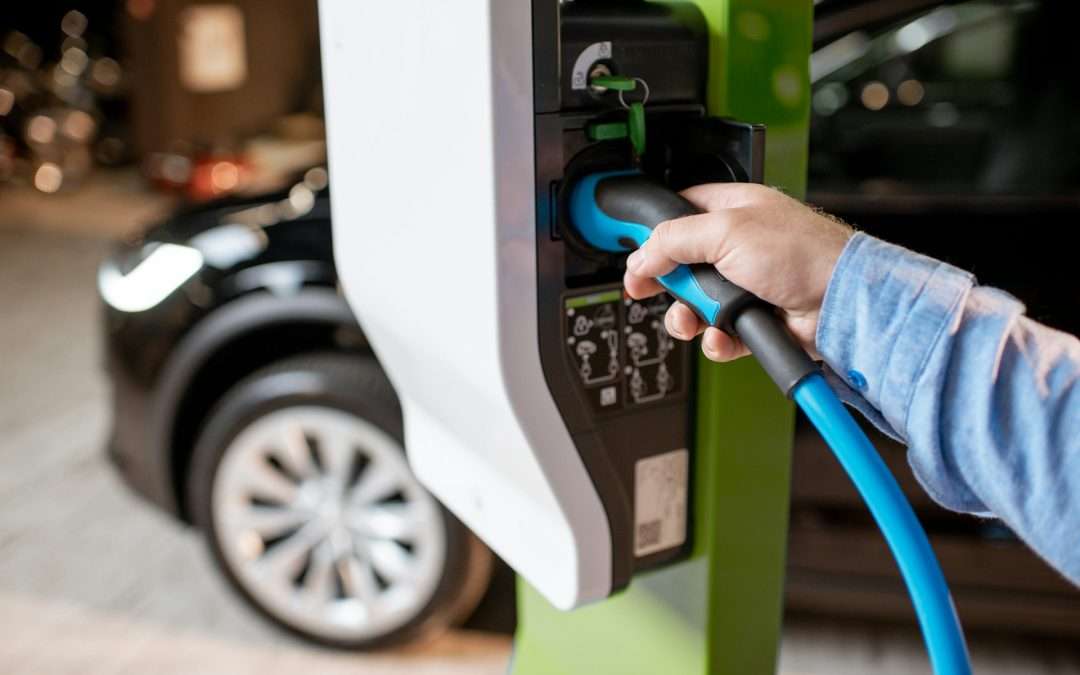
Electric vehicles come with a lot of benefits, but they can also bring a few unexpected frustrations. One of those is getting an error message when you’re just trying to charge your car. Seeing a blinking light or warning pop up on your charger can throw off your whole day, especially when you’re unsure what the message means. These alerts are meant to help, but they usually feel more confusing than helpful.
Most EV drivers will run into at least one charging error at some point. Knowing what these messages mean and why they appear can take some of the stress out of the situation. Whether it’s your first time seeing an error or it keeps happening repeatedly, being able to understand the cause is the first step to fixing it. Then the goal becomes getting back on the road without all the guesswork.
Common EV Charger Error Messages
EV chargers can show several types of errors, and they’re usually written in short phrases or codes. Some are simple to fix, while others may signal a more serious issue. Here are some common examples and how they typically show up:
1. Connection Error
This appears when the charger can’t communicate correctly with the vehicle. It might be caused by a plug not fully inserted, a dirty or blocked connection, or physical damage to the charging port.
2. Overcurrent Error
This occurs when the current flow runs higher than safe levels. It may happen if your car pulls power faster than the charger allows, or if there’s an issue with the electrical wiring.
3. Ground Fault Detected
This message points to improper electrical flow to ground. It may indicate a short, internal moisture, or a damaged wire that could cause unsafe conditions.
4. Charging Paused or Charging Delayed
These notices aren’t always true errors, but they can still cause confusion. In many cases, the delay is due to scheduled charging or energy-saving settings. Other times, home power draw is temporarily too high.
5. Ventilation Required
Older or mixed-use chargers might show this warning even if it’s not relevant. This message refers to systems expecting lead-acid battery setups, not most modern EVs. It can result from a sensor misread.
These messages are usually displayed on the charger’s screen or in the companion app. For instance, one driver kept seeing “Connection Error” every time his charging session stopped halfway. After closer inspection, he found a small tear in his charging cable’s outer layer. Replacing the cable solved the issue immediately.
Learning what the messages mean is a great first step. After that, it’s about what actions to take to clear them and charge safely.
Diagnosing EV Charger Error Messages
When an error message pops up during charging, it often feels like you’re suddenly stuck. The key is to stay calm and follow a few logical steps to check out what’s going on.
– Look at the charger display or app notification
Read the code or message carefully. It might be something simple, like a delay, or a more serious warning such as a grounding issue.
– Double-check your connections
Remove and reinsert the connector to make sure it’s secure. Don’t use plug adapters or extensions, which can interfere with direct connection detection.
– Inspect for visible damage
Check the cable and plug ends for signs like cracks, burnt spots, moisture residue, or frayed edges. If something doesn’t look right, stop using it.
– Review the manual
Every charger model has its own error messages. A quick look at the user manual—or digital version online—can offer exact meanings and solutions for your model.
– Check your power source
At home, look at your breaker box to see if anything has flipped off. Reset them carefully if you know it’s safe. If you get frequent issues here, something may be wrong with the circuit.
Most modern EV chargers have diagnostic tools built into their apps. These guides can help test for things like input voltage, heat levels, and grounding problems. If the issue keeps coming back, it’s time to stop charging until a licensed electrician evaluates the setup.
Solutions to Common Errors
You might be surprised how often a simple action clears up the problem. EV chargers are sensitive tools, and minor issues can easily cause them to throw an error.
One easy solution to try is a full power cycle. Unplug the unit from the power source, wait around 30 seconds, and plug it back in. This reset often clears messages caused by temporary disruptions.
For grounding or connection errors, make sure the contact points are dry and clean. Wipe them gently with a clean, dry cloth. Do not use liquids or cleaning chemicals.
If you’re getting overcurrent warnings repeatedly, think about what other appliances are running. Devices like electric ovens, dryers, or HVAC systems might share the same load line. Try charging during off-hours when fewer other devices are drawing power.
When it comes to firmware, some chargers operate with older software even though updates are available. Open the charger’s mobile app to check whether a newer version is ready for install. In many cases, just updating can fix bugs tied to error messages.
Still seeing problems after doing all this? That usually means something more complex is involved. If that’s the case, unplug the charger and contact a professional. Attempting to troubleshoot wiring issues without the right tools or training can be risky.
Preventive Measures to Avoid Future Charging Issues
A few good habits can help prevent most charger problems before they even start. Just like any equipment, regular care can make a big difference in how well your EV charger performs.
– Inspect the connector and plug weekly
Loose pins, dirt buildup, or minor bends can cause errors. A quick check helps you spot anything early.
– Keep the charger dry and shaded
If your unit is outside, try to cover it or move it under a carport or roof. Direct sun and moisture can wear out the parts faster over time.
– Avoid charging during major voltage dips
If your lights flicker when you start the dryer or microwave, your circuit might be under stress. Choose times when power use is lower across your home.
– Always unplug carefully
Don’t yank on the connector. Use your hand right at the base to pull it out, so you don’t wear out the connection point.
– Schedule inspections if you use your charger daily
An electrician can catch early signs of wear, aging hardware, or internal buildup that might lead to messages and outages.
By staying on top of simple habits like these, you can help your charger stay accurate, safe, and ready to use whenever you need it.
Keeping Your Charging Setup Reliable and Stress-Free
Nobody wants their day thrown off by a blinking error light. When you know what these messages mean and what steps to take, you’re more in control of your EV charging routine.
The small effort it takes to inspect your setup, understand error codes, and fix simple issues can save you frustration. And when something feels off or doesn’t clear, getting a qualified professional involved is always the right move.
With the right approach, you can avoid delays, keep your vehicle powered up, and feel confident in your charging system day after day. A little upkeep and awareness go a long way in making sure your EV charger keeps doing its job without surprise setbacks.
Make sure your EV charging experience is as smooth as possible. If all the troubleshooting and preventive steps still leave you needing help, it might be time for professional assistance. Consider scheduling an ev car charger installation with Inlight Electric LLC to ensure you have the most reliable setup. An expert touch helps your charger operate safely and efficiently, keeping you on the go and your vehicle powered up when you need it most.